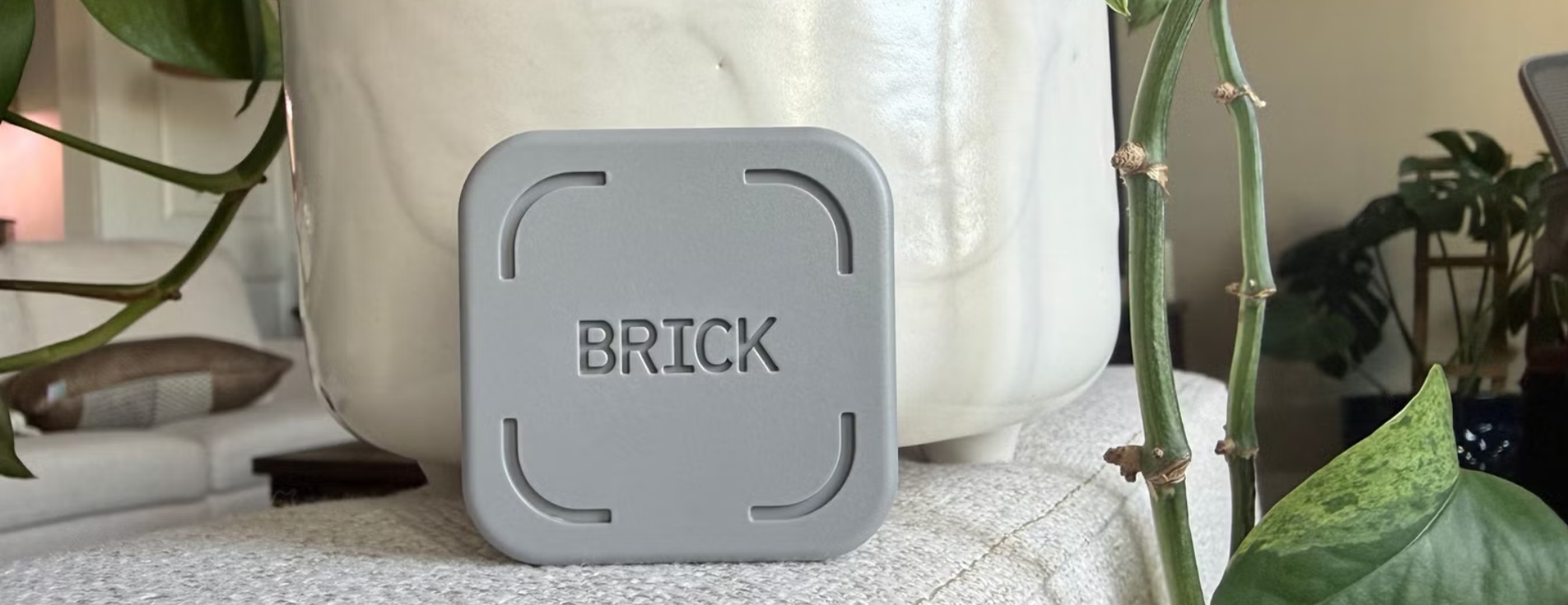
The Brick Device Review: Is It Really Worth It?
Are you the one struggling to stay productive? As smartphones have become an essential tool today, they easily distract people. There are built-in apps and tools for making the application freeze or mitigate access, but they are easy to bypass. But don`t worry, I have the perfect solution for you from the Brick.
The Brick device is a focus tool that helps limit digital distractions by controlling access to selected apps. Instead of relying only on self-control, it provides a structured way to manage phone usage and build better habits. Sounds amazing, right? Let`s look into more details for the features, making them worth purchasing
Brick Device Overview
The brick physical device works with the companion app to limitize the apps and websites on your phone. These devices come with no subscriptions for getting lifetime access to the app. It works on both iOS and Android devices with the custom focus modes, scheduling, and usage tracking for better control. The device is built with a high-quality magnet and anti-slip silicone for placing it anywhere you want to create a focused environment.
How to Use the Brick App?
Here is how the app works for better focus:
- Download the Brick App and select the apps and websites you want to block.
- Create custom focus modes like Study, Work, or Personal time.
- Tap the phone on the Brick device to activate the block.
- Once activated, the chosen apps are locked for the set time.
- A timer shows how long you stay focused.
- To unlock the apps, you must physically return to the Brick device and tap again.
Modes of the Brick Distraction-Free Device
Brick work on the following modes for limiting the apps and using them only when necessary:
Custom Modes
Brick allows creating focus modes based on a daily routine. You can decide which apps are blocked and which ones stay available. This helps adjust phone settings depending on whether you are studying, working, or spending time with family.
Whitelist and Blacklist Modes
In Whitelist mode, all apps are blocked except the important ones you select, like calls or maps. In Blacklist mode, you only block specific distracting apps, such as social media or games. This gives you full control over the app`s accessibility on the phone.
Scheduled Modes
Brick lets you set focus times in advance. You can schedule certain modes to turn on automatically at specific times during the day or on selected days. This is helpful if you want your study or work time to start without having to remember to activate it manually.
Physical Activation / Deactivation
To turn on a focus mode, you must physically tap the phone to the Brick device. To unlock the apps, you need to tap again, which encourages intentional phone use. This physical action makes it harder to quickly remove the restrictions without thinking about it.
Emergency Unbricks
Each device includes five emergency unblocks inside the app. These are meant for serious situations when you really need access to blocked apps. This feature ensures you still have access in urgent cases while keeping your focus system strong.
Strict Mode
Strict Mode adds extra protection, preventing you from simply deleting the app to bypass the restrictions. This helps keep focus settings active and reduces the chances of easily turning off the limits. It is designed for users who want stronger discipline and long-term control over distractions.
Pros and Cons Of the GetBrick Device
Here are some pros and cons to consider before buying this device:
Pros of the Brick Device
- Uses a physical activation system, which makes it harder to bypass.
- Allows custom focus modes for study, work, or personal time.
- Supports scheduled blocking for automatic focus sessions.
- No subscription required (one-time purchase model).
Cons of the Brick Device
- Requires the Brick device to deactivate modes.
- Emergency unblocks are limited.
FAQS
Can You Use a One-Brick Device with Multiple Phones?
Yes, one Brick device can be used with multiple phones. This means a family or household can share the same device.
What Happens If You Lose Your Brick Device?
If you lose the Brick device, it may become difficult to manage or remove the focus restrictions easily.
Do Brick Phones Have Internet?
It is a focus device that works with a smartphone, controlling apps on your existing phone.
GetBrick is a simple focus device designed to help reduce phone distractions and improve productivity. It is especially useful for students and working professionals who want better control over their screen time. The physical system makes it easier to stay committed to the focus goals. If you are serious about improving and building healthier phone habits, GetBrick could be a helpful tool for you. You can even get GetBrick Promo Codes today for more budget-friendly options.
Stay tuned to StravaGeek to explore more about the distraction-free device.
Related Blogs

Skylight: A Guide to Smart Calendars, Frames and More
Discover Skylight smart calendars, digital photo frames, and Buddy for easier family organization. Compare models, features, sizes, and uses to find the right option for your home and daily routine
See More
Abstract Wall Painting That Adds Color and Style to Any Room
An abstract wall painting can instantly refresh your space with color, creativity, and modern style. The right canvas brings personality to your walls while blending beautifully with different home decor and interior themes.
See More
I Got the Solar System Wallpaper from Photowall: Here’s Why My Son Loves It
My son absolutely loves space, he can’t go one day without talking about it. So for his tenth birthday, I decided to install a solar system wallpaper in his room from Photowall. Here’s how my experience went with ordering and setting up the wallpaper.
See More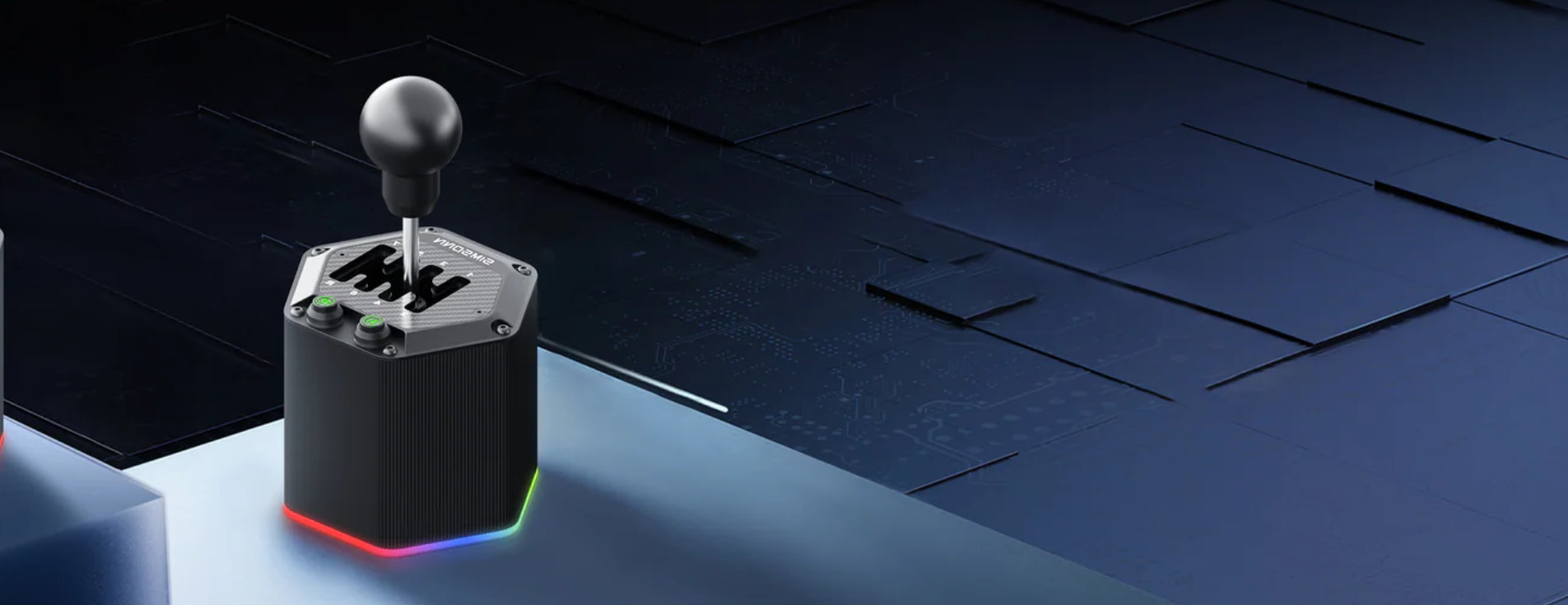
How The SIMSONN HS Pro Brings More Realism To Sim Racing
A closer look at the SIMSONN HS Pro and why many sim racers see it as a meaningful upgrade for driving realism and immersion.
See More
Cosmo JrTrack 5 Review and Benefits for Kids
Parents want their kids to be safe without giving them a smartphone. The Cosmo JrTrack 5 Kids Smart Watch lets children call, message, and share location while parents stay in control, helping kids feel confident while giving parents peace of mind.
See More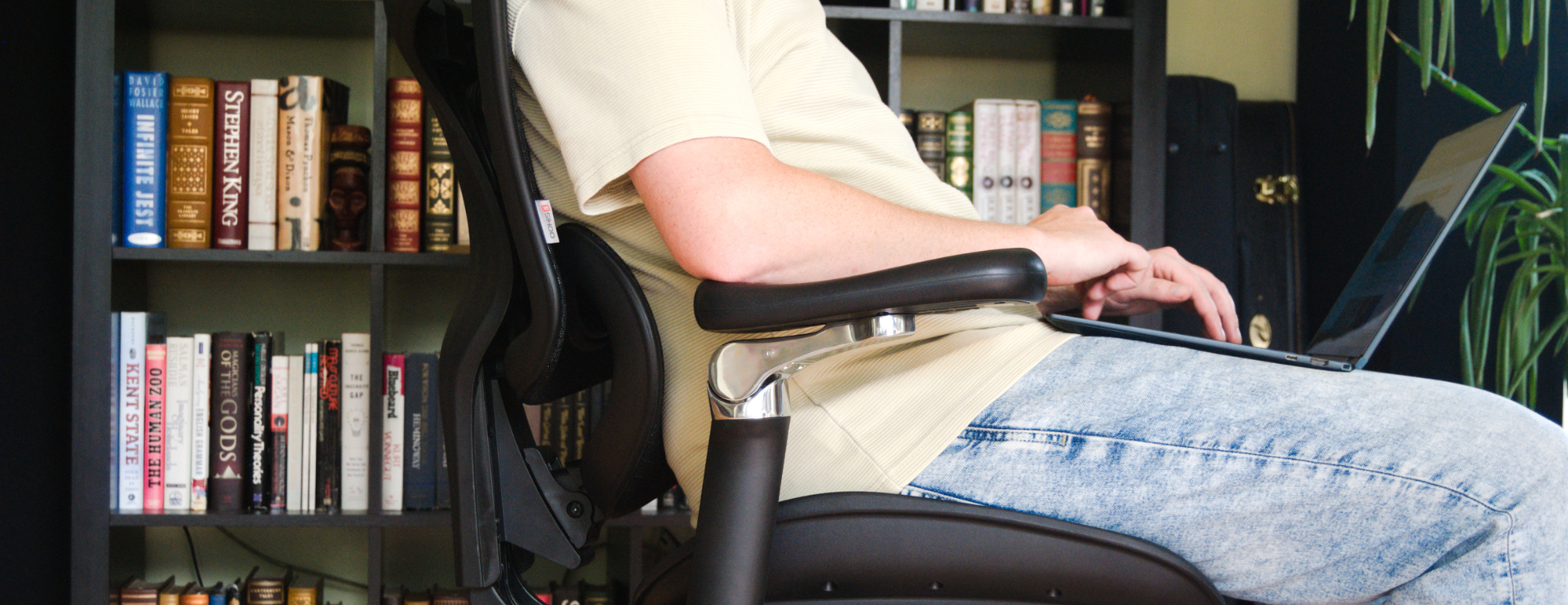
Why SIHOO Ergonomic Seating Is Ideal for Back Pain Relief
Sitting for long hours can leave your back sore and stiff. SIHOO ergonomic chairs are built to support your back, help your posture, and make sitting for work or play more comfortable.
See More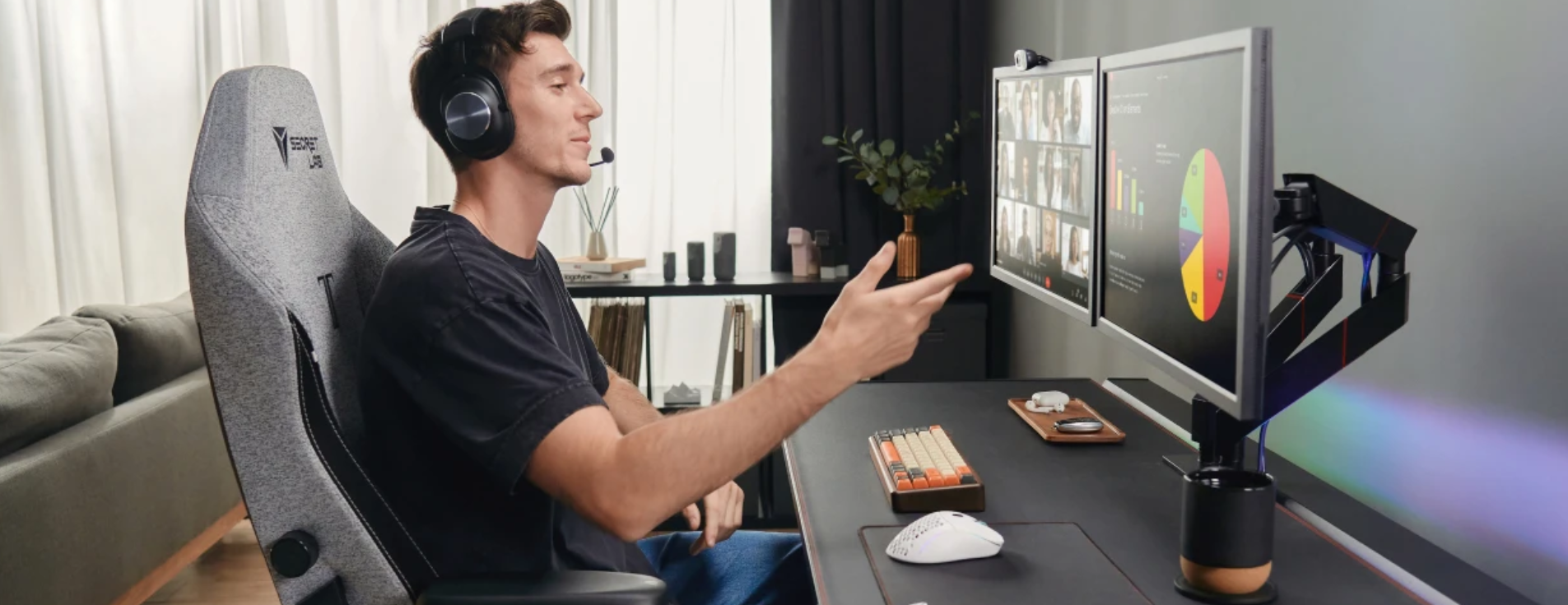
Best Office Chair for Hybrid Workers: Comfort & Posture for Long Sitting Hours
Hybrid work has changed how people sit, work, and live. Long hours at home or in the office can quietly damage the body if seating is wrong. The right chair is no longer a luxury; it is a daily need. So the Secretlab TITAN Evo can really help.
See More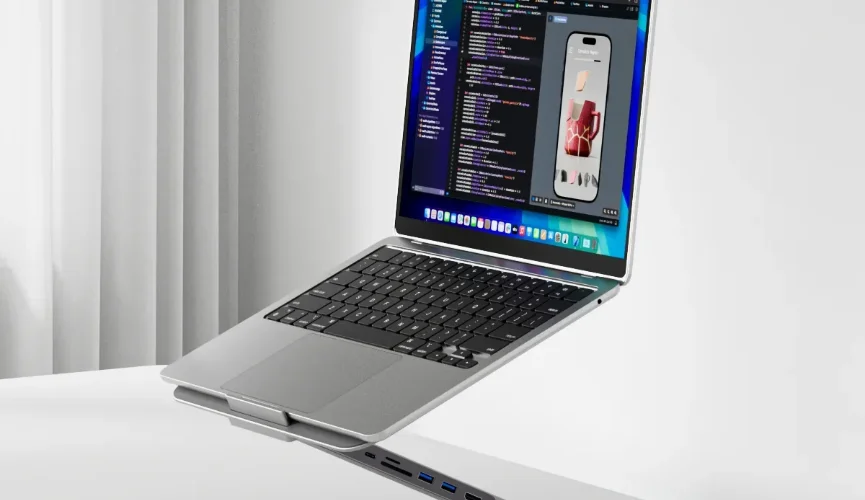
Why an Ergonomic Laptop Stand is the Best Upgrade for Your Remote Workspace
Working long hours on a laptop leads to severe neck strain and endless desk clutter. Propping your screen on an ergonomic laptop stand fixes posture by raising your view to eye level. A modern hybrid model also solves cable chaos for good.
See MoreRecent Blogs