Why an Ergonomic Laptop Stand is the Best Upgrade for Your Remote Workspace
All featured products are selected by our editors and may include affiliate links. If you purchase through these links, we may earn a commission.
It’s 3:00 PM and you’re deep in work and suddenly your shoulders are tight; there’s a dull, nagging ache creeping up the back of your neck. Then comes the breaking point: your back says, “I’m out.” All the momentum you’ve made suddenly stops because your body needs to rest.
Even though experts say people who work on screens should get up and go for a quick walk, how many of us actually follow that? And does that solve the issue of a poor setup? Not really. Quick fixes like propping your machine on a stack of books only make the issue worse (both for you and your machine). Upgrading to a next-gen ergonomic laptop stand immediately improves your posture while making your setup clean and tidy.
Why Go for an Ergonomic Laptop Stand?
When evaluating workspace upgrades, looking at a versatile device for your setup is essential for both your body and workflow. While most laptop tables and stands promise improved posture and less clutter, most devices end up being false promises that leave users more frustrated.
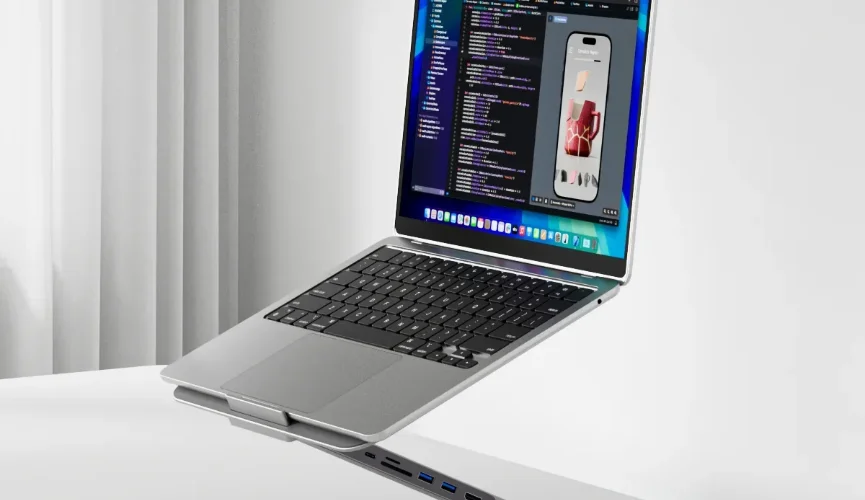
The X53 Hub Stand from KUXIU breaks this cycle by treating physical alignment and cable management as a single connected problem. Its sleek design and versatile functionality deliver on those promises that other laptop stands fail.
How Is the X53 the Right Fit for Your Device?
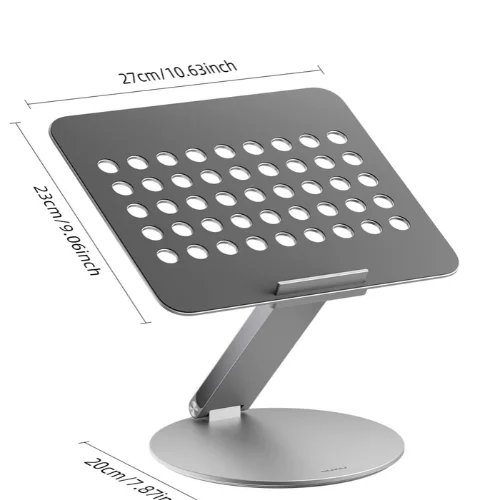
A premium stand should seamlessly accommodate any hardware in your setup. Thanks to its borderless plate design, the KUXIU X53 effortlessly cradles everything from a massive 16-inch MacBook Pro down to an iPad or handheld gaming console.
Despite its compact footprint, the aluminum hinges support an impressive 13.2 lbs. While laptops with unusually thick curved bottoms require careful alignment, the universal USB-C compatibility ensures seamless integration across most modern workstations.
5 Features of an Ergonomic Laptop Stand (and How the X53 Delivers on All of Them)
A truly effective setup requires more than just elevating your screen. A few specific elements determine whether a laptop stand actually helps you maintain the right posture and enhances your workflow.
Height and Angle Adjustability
Stands with fixed height fail as proper posture requires aligning your display directly with your natural eye level. The KUXIU X53 utilizes heavy duty adjustable hinges which have been rigorously tested through 100,000 folds. This durability gives you the freedom to adjust the height and angle of the laptop stand to your fit, so you don’t have to sag or shift to see the screen.
Centralized Wrist Relief
Oversized front lips on budget stands dig sharply into your wrists that causes nerve compression and fatigue during long typing sessions. The KUXIU X53 solves this issue by placing its support baffle in the center which completely eliminates wrist pressure and allows you to use the laptop more comfortably for longer periods.
Thermal Management
Laptops resting flat on a desk trap heat which in turn causes theirs fans to throw more heat outware, while the machine itself suffers from throttling that kills performance. Made using high-quality aluminum alloy with a hollow design, the X53 acts as a passive heat sink that promotes airflow to keep your laptop running smoothly even under heavy workloads.
Anti-Slip Device Protection
Direct metal-on-metal contact risks deeply scratching your expensive laptop chassis and causes the machine to slide as you type. The KUXIU X53, capable of supporting heavy laptops weighing up to 13.2 pounds, features premium silicone pads across its contact surfaces that maintain solid a grip and deliver total scratch protection to keep your setup in place.
Collaborative Flexibility (360° Base)
Sharing your screen during meetings usually requires awkwardly dragging a heavy metal stand across your desk, risking scratches. The KUXIU X53 eliminates this friction with a smooth 360-degree rotating base, letting you effortlessly swivel your display for seamless collaboration and instant screen sharing.
The Distinct Advantage of the X53: Built-in Docking Hub
While modern laptops might look sleek their limited ports force professionals to manage endless adapter clutter. This forces professionals to use a docking station that only makes things messier.
This is where the X53 stands head and shoulder above other laptop stand. While it effectively delivers on the core features that an engonimic stand must have, it features a fully integrated 8 in 1 docking hub that delivers 100W PD 3.0 fast charging and 4K@60Hz HDMI directly from its base.
Equipped with dual SD/MicroSD slots alongside essential USB-A ports, it handles large file transfers for creative work. It routes connection cables cleanly through the rear of the stand which drastically cleans up cluttered wires and turns your space into an organized workstation.
FAQs
Do Ergonomic Laptop Stands Really Improve Posture?
Yes. Elevating your screen to eye level prevents forward head tilt, significantly reducing daily strain on your neck, shoulders, and spine.
Can You Type Directly On An Elevated Laptop Stand?
Yes. The KUXIU X53 features a centralized support baffle specifically designed to eliminate wrist pressure while typing on your keyboard.
Does The KUXIU X53 Work With Non-Apple Laptops?
Absolutely. It supports any laptop, tablet, or device featuring a DisplayPort-compatible USB-C port for seamless fast charging and display expansion.
Upgrading your workstation to an ergonomic laptop stand removes both physical and work-related hurdles through correction of your posture and seamless connectivity. The KUXIU X53 replaces a basic riser and an awkward port hub with one elegant solution that instantly streamlines your setup and maximizes productivity, resulting in pain-free, focused work sessions. If you’re looking to not have to hunch over at your screen and don’t want to deal with messy cables, then check out the X53 to transform your workspace today.
Stay tuned to StravaGeek for more tech guides.
Related Blogs

Abstract Wall Painting That Adds Color and Style to Any Room
An abstract wall painting can instantly refresh your space with color, creativity, and modern style. The right canvas brings personality to your walls while blending beautifully with different home decor and interior themes.
See More
I Got the Solar System Wallpaper from Photowall: Here’s Why My Son Loves It
My son absolutely loves space, he can’t go one day without talking about it. So for his tenth birthday, I decided to install a solar system wallpaper in his room from Photowall. Here’s how my experience went with ordering and setting up the wallpaper.
See More
How The SIMSONN HS Pro Brings More Realism To Sim Racing
A closer look at the SIMSONN HS Pro and why many sim racers see it as a meaningful upgrade for driving realism and immersion.
See More
The Brick Device Review: Is It Really Worth It?
The Brick Device is a physical focus tool that works with a companion app to help reduce distractions by blocking selected apps and websites. It works with different modes for improving focus and managing screen time.
See More
Cosmo JrTrack 5 Review and Benefits for Kids
Parents want their kids to be safe without giving them a smartphone. The Cosmo JrTrack 5 Kids Smart Watch lets children call, message, and share location while parents stay in control, helping kids feel confident while giving parents peace of mind.
See More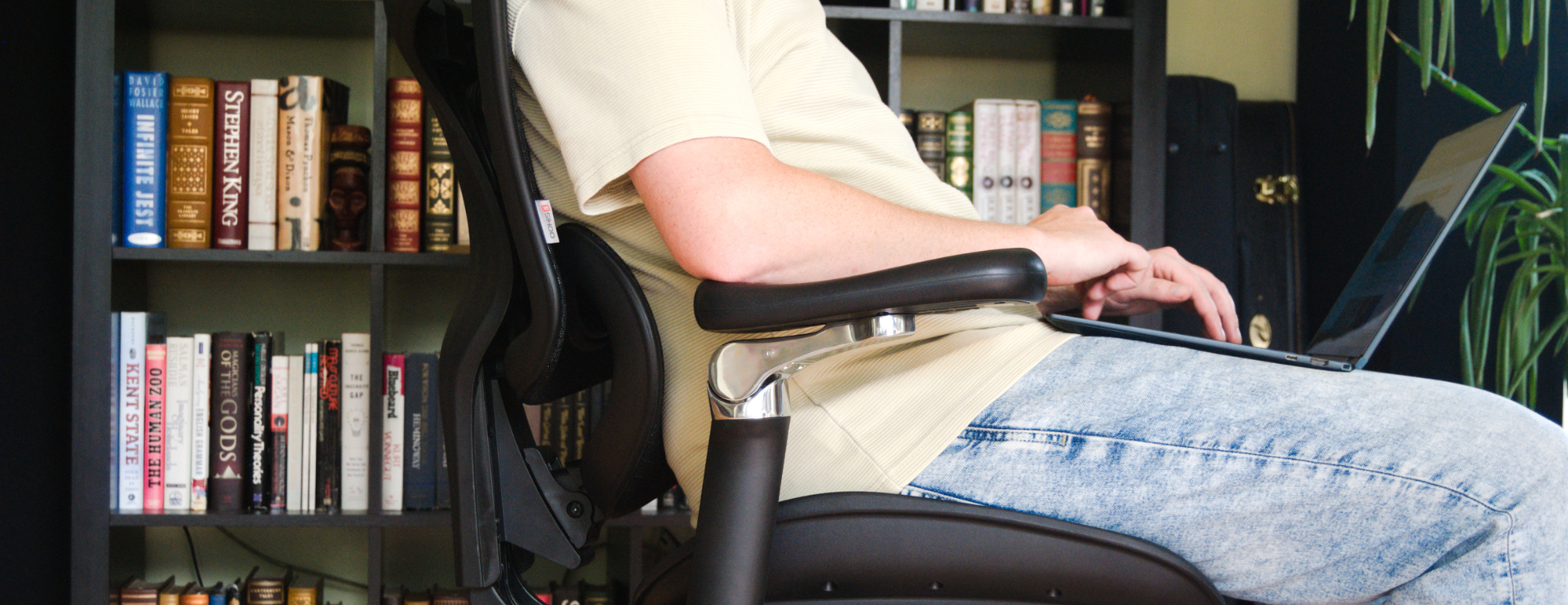
Why SIHOO Ergonomic Seating Is Ideal for Back Pain Relief
Sitting for long hours can leave your back sore and stiff. SIHOO ergonomic chairs are built to support your back, help your posture, and make sitting for work or play more comfortable.
See More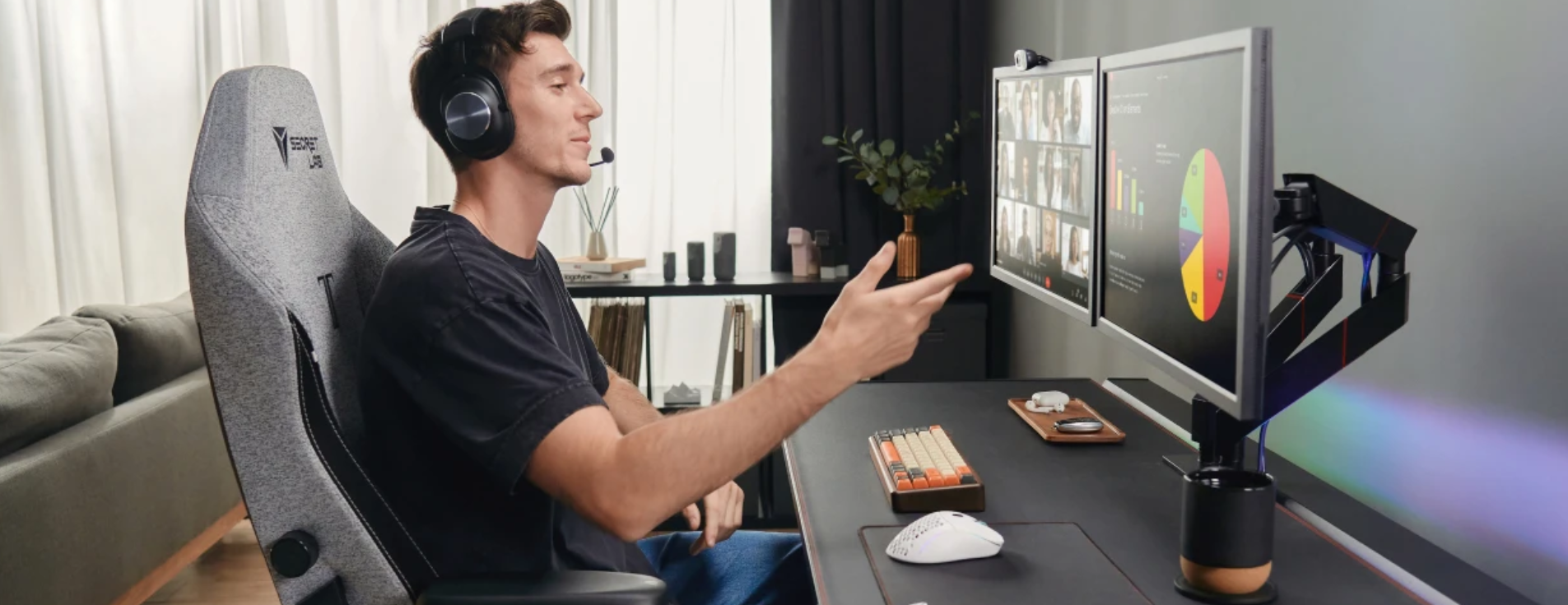
Best Office Chair for Hybrid Workers: Comfort & Posture for Long Sitting Hours
Hybrid work has changed how people sit, work, and live. Long hours at home or in the office can quietly damage the body if seating is wrong. The right chair is no longer a luxury; it is a daily need. So the Secretlab TITAN Evo can really help.
See More
Utilize the Sun Anywhere with These Top Foldable Solar Panels from 4WD
Portable power has never been easier. Discover top foldable solar panels from 4WD Supacentre for all your off-road and outdoor needs.
See MoreRecent Blogs